The Lumina Standard · Version 1.1
The single source of truth for the Lumina™ identity — how the mark is built, the color and type behind it, where it may and may not appear, and the binding terms that govern its use.
01 · The logotype
The primary logo is the emblem paired with the LUMINA ERP wordmark. Use the white color-way on dark grounds and the ink color-way on light grounds — never invent a third. Each lockup is also supplied as a wordmark alone and in a stacked arrangement, on a transparent background.
02 · The emblem
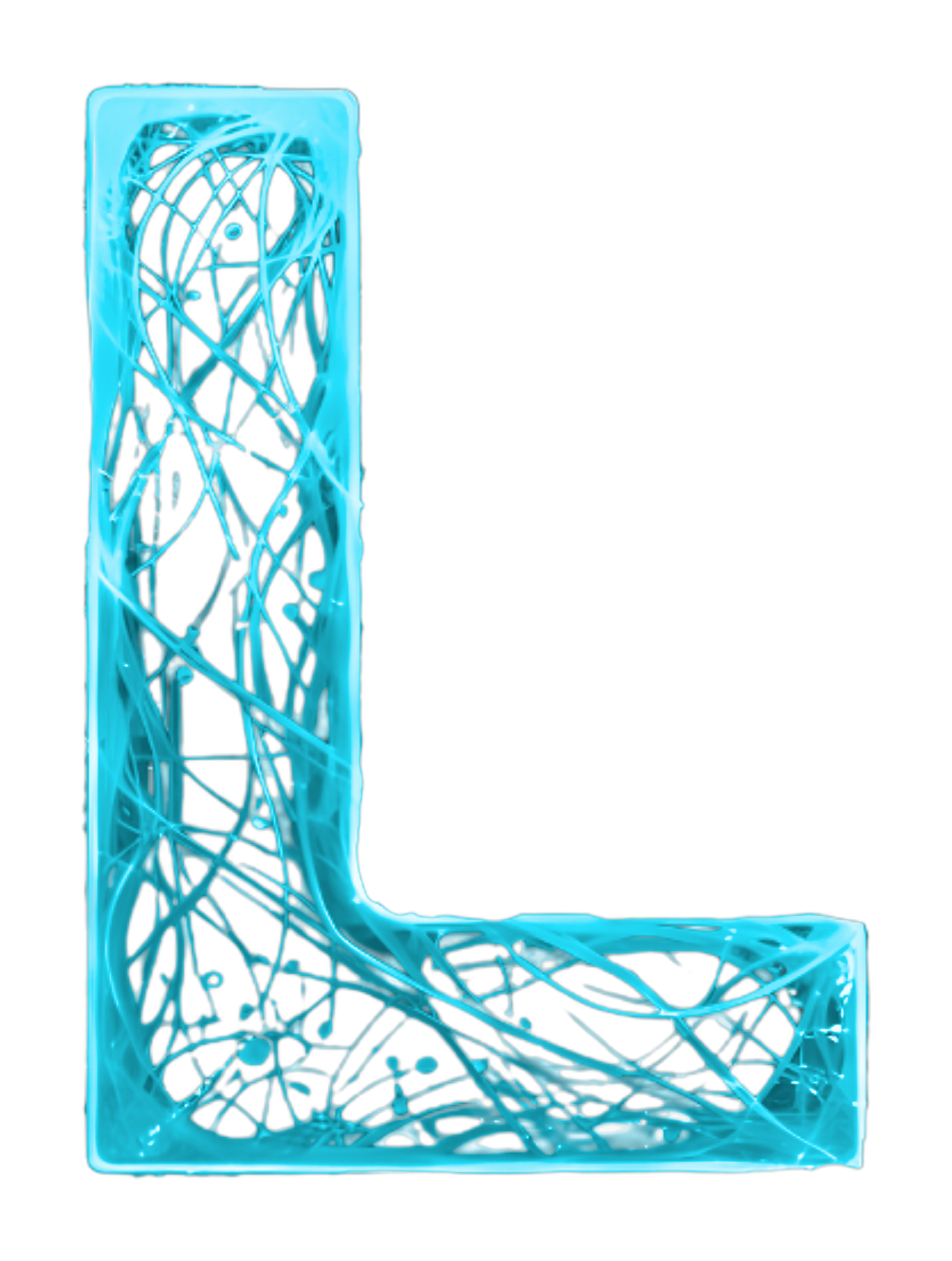
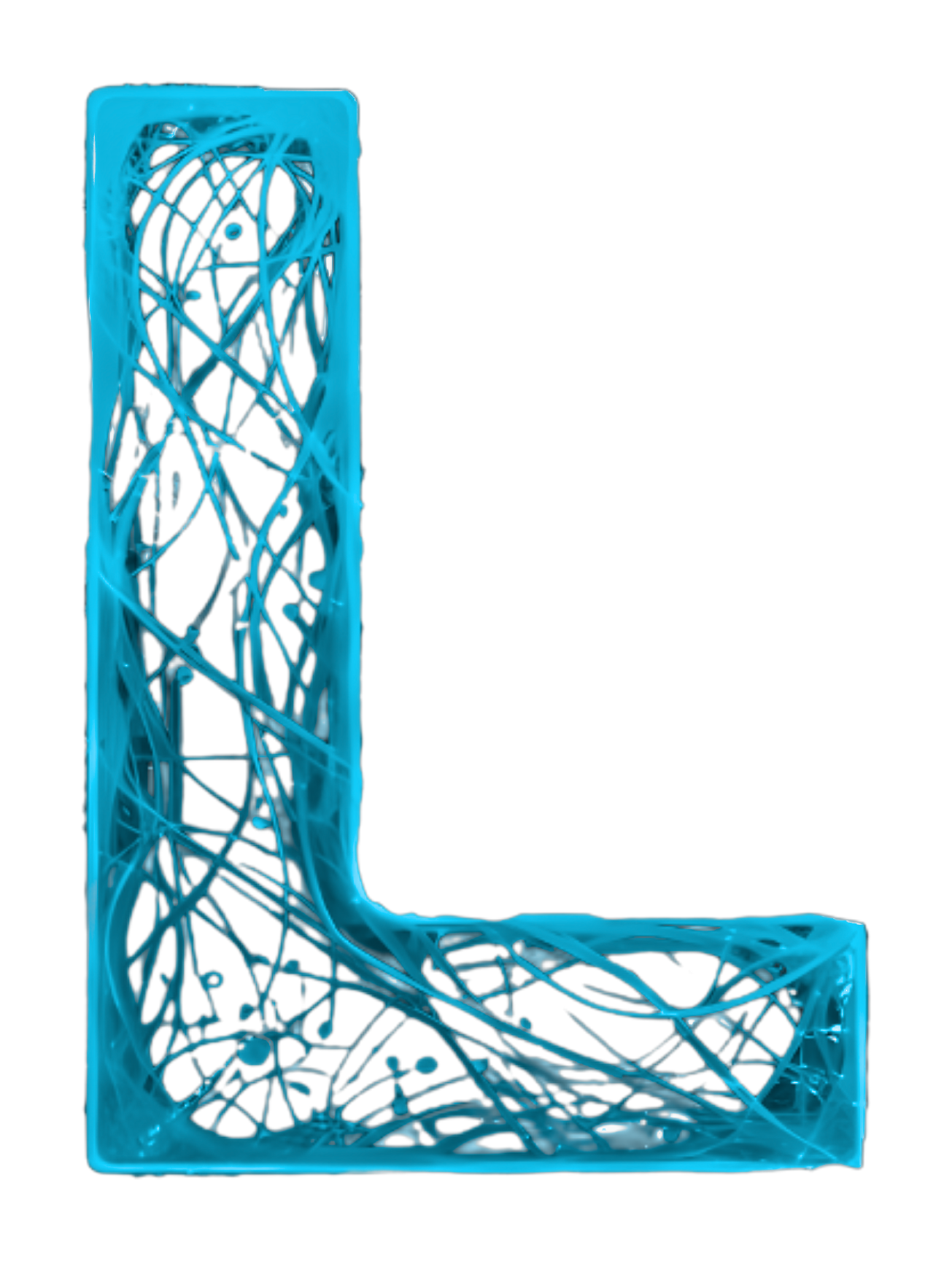
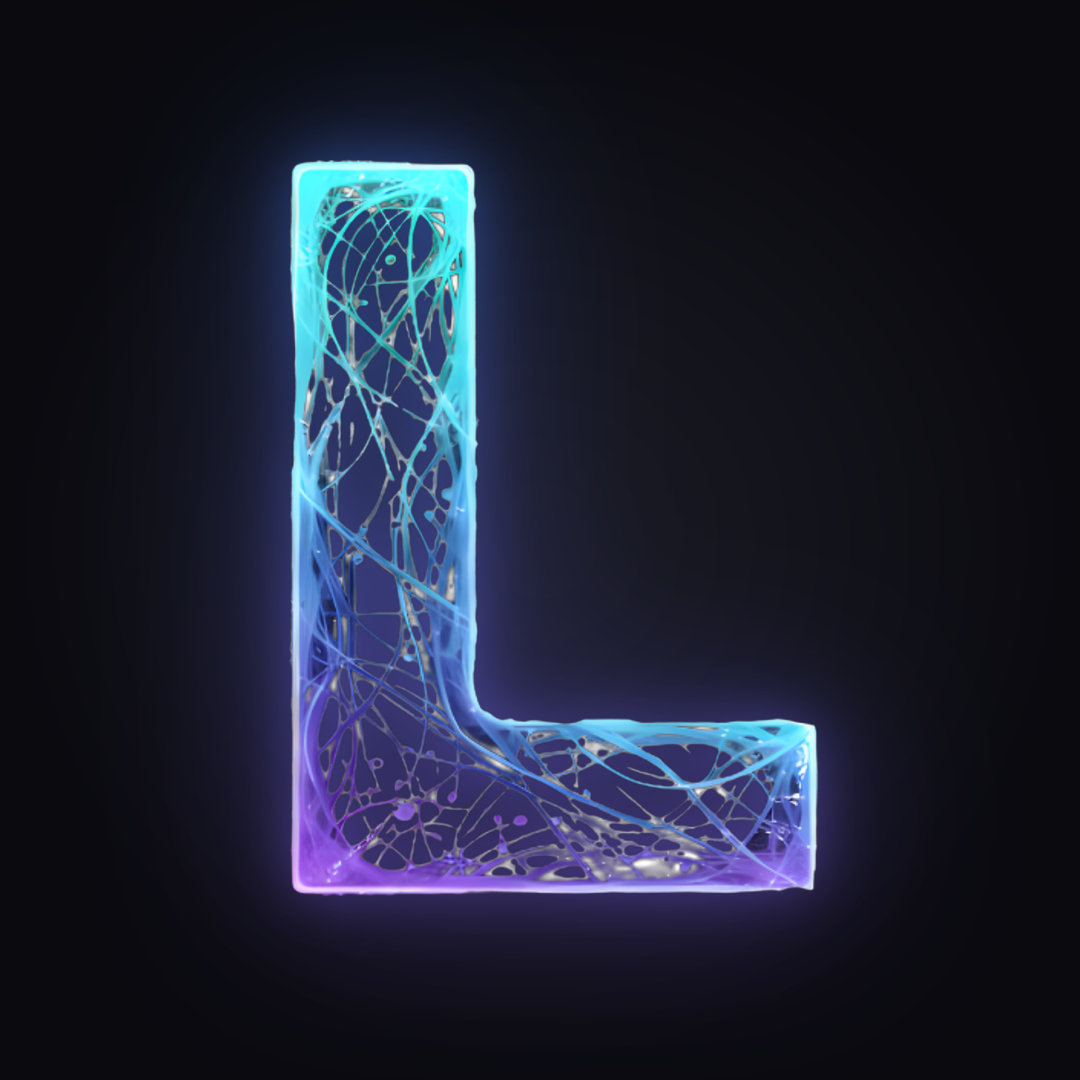
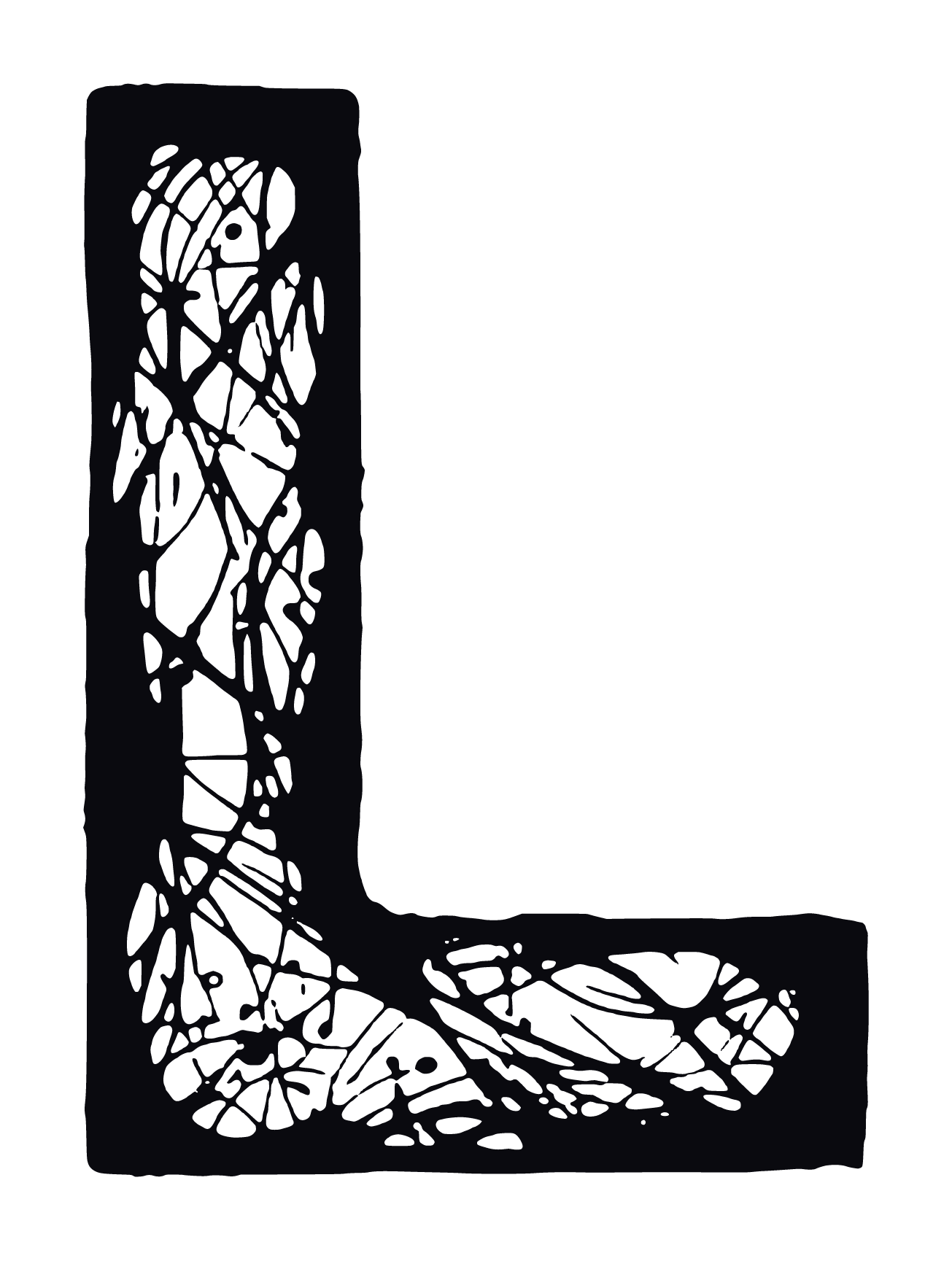
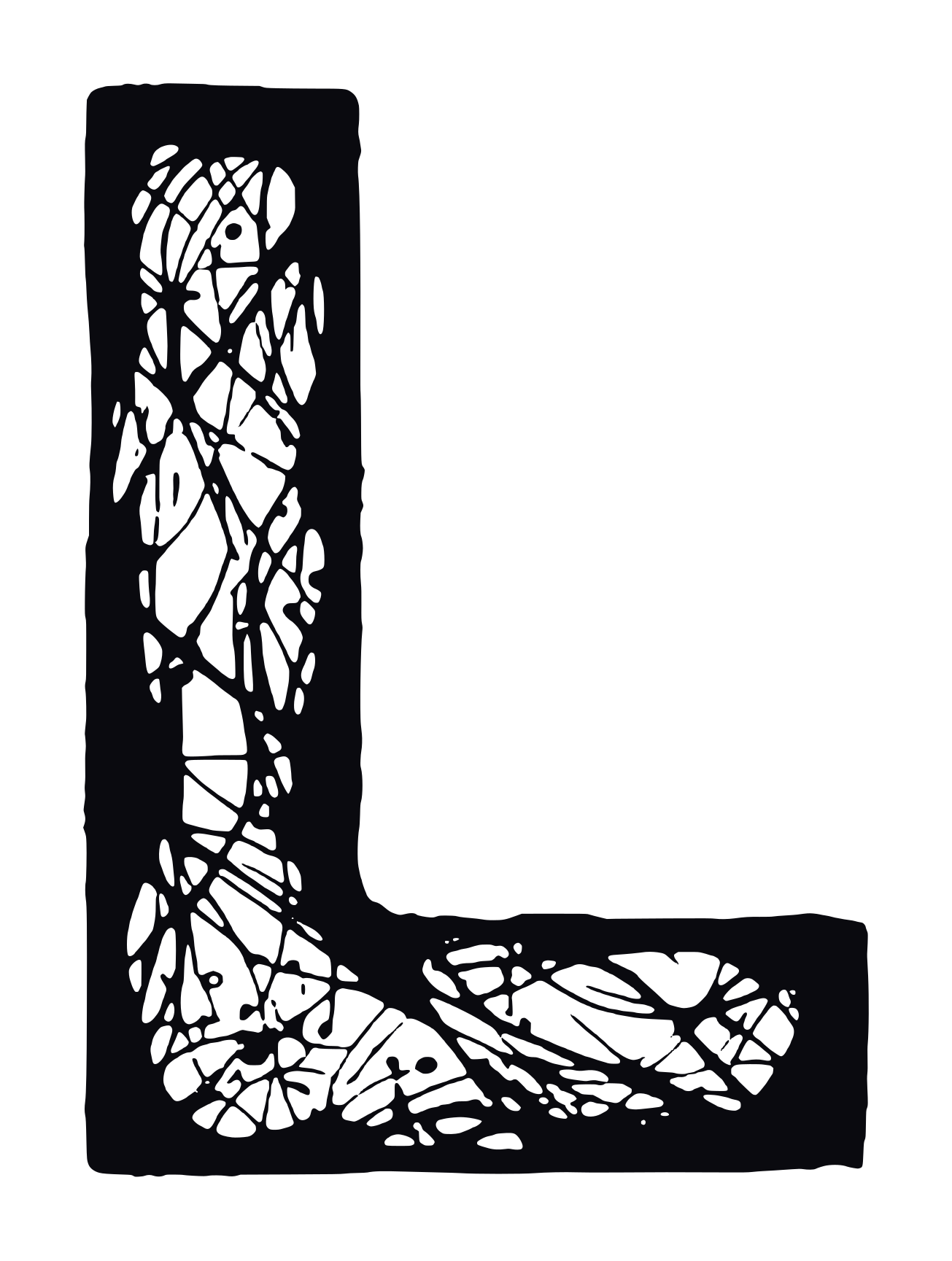
A wire-filament “L” carrying the cyan-to-violet gradient over dark strands. It may stand alone as an app icon, favicon, or badge — but it is never rebuilt, and it is recolored only by Lumina, as the approved product marks. For profile pictures use the pre-composed social avatar rather than the bare emblem.
Because the gradient sits over dark filaments, the emblem holds on both dark and light grounds without modification — so the parent emblem is a single file, used everywhere.
lumina-emblem.png · 1305×1729 · transparent · plus vector master (SVG)
04 · Product marks
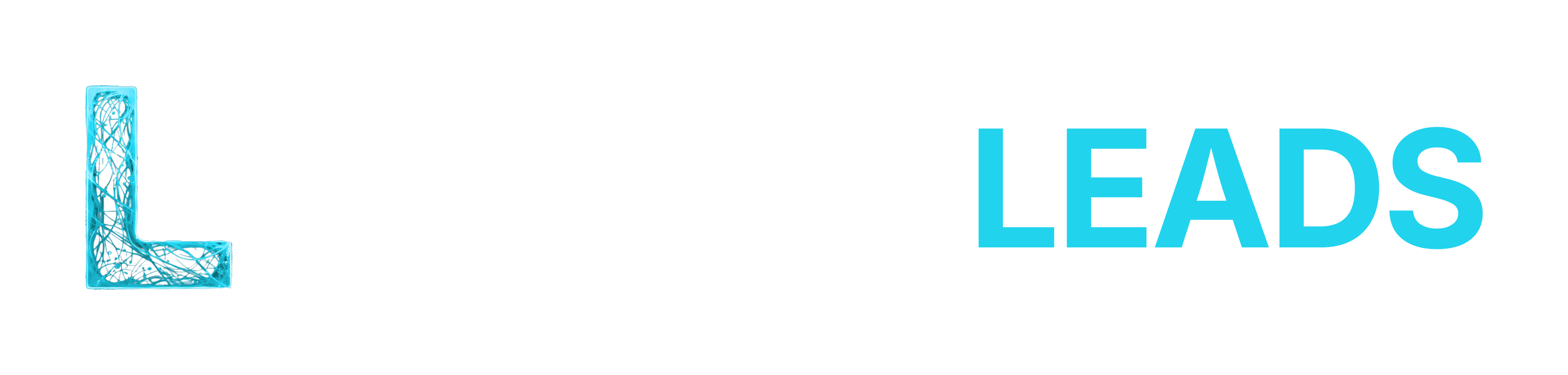
Lumina ERP is the parent mark and the only one that carries the full cyan-to-violet gradient. Every other Lumina product keeps the same emblem and the same logotype construction, set in a single hue drawn from that gradient. The emblem and the product word always share that hue, and the hue is assigned by Lumina. Never choose a product color yourself.
Leads Cyan does not hold on a light ground (1.7:1), so the product color ships as a pair. Choose by ground, never by preference.
Everything else in this standard applies to a product mark exactly as it does to the parent.
05 · Clear space & minimum size
Protect the logo with a clear zone and never take it below its minimum size — below these thresholds the wordmark and the emblem’s filaments break down.
Keep free space equal to the height of the emblem (1×) on every side. No text, graphics, or edges enter this zone.
Separate floors for screen and print. When in doubt, go larger.
06 · Color
Two brand colors do the work — near-black ink and Lumina blue — supported by the emblem’s cyan-to-violet gradient. Blue is the accent of Lumina and Lumina ERP and is never swapped for another hue. Other Lumina products carry one assigned color each, set out under product marks.
For spot printing, match Lumina Blue to the nearest Pantone to #3B82F6 (≈ PMS 2727 C) and confirm a physical proof before a production run.
07 · Typography
The wordmark and all brand communication use Inter. The logotype is Inter Bold (700) at −2.5% letter-spacing, uppercase.
LUMINA ERP
ABCDEFGHIJKLMNOPQRSTUVWXYZ abcdefghijklmnopqrstuvwxyz 0123456789
08 · Correct & incorrect use
Use the supplied artwork, unaltered, with enough contrast and space. The examples below are prohibited under the trademark policy in the next section.
Do — use an approved file at full opacity, correct color-way for the ground, unmodified proportions, with clear space around it.
When in doubt, choose the highest-contrast color-way — and ask. If your use case isn’t clearly covered here, email trademarks@lumina-erp.com with a visual mockup of the intended use. A mockup gets you an answer far faster than a description.
09 · Trademark & usage policy
These terms are binding. They protect the Lumina identity and tell third parties exactly how the marks may be used. Read them before using any asset on this page.
This policy governs all use of the Lumina brand assets and trademarks (together, the “Lumina Marks”), including the Lumina, Lumina ERP, and Lumina Leads names, the LUMINA ERP and LUMINA LEADS logotypes, the Lumina “L” emblem in every approved color-way, the color and type system above, and every file provided on this page. It applies to everyone who accesses these assets.
The Lumina Marks are owned by Lumina ERP, LLC, a Delaware limited liability company (“Lumina”). All goodwill arising from use of the Lumina Marks inures solely to Lumina. This policy grants no ownership interest and only the limited permissions expressly stated below.
By downloading, copying, displaying, or otherwise using any Lumina Mark or asset from this page, you agree
to this policy. If you do not agree, do not use the Lumina Marks. Lumina may update this
policy at any time; the version posted at brand.lumina-erp.com governs from the date it is
posted.
Subject to every rule in this policy, and provided your use is truthful and not misleading, you may use the word marks (not the logo or emblem) without prior written permission to:
Use of the logo or emblem, and any use on merchandise, packaging, or paid advertising, requires prior written permission — see “How to request permission.”
You may not, without Lumina’s prior written permission:
Mark the first or most prominent appearance of a Lumina Mark with the ™ symbol, and include an attribution notice. Always use the marks as adjectives modifying a noun (e.g. “the Lumina ERP platform”), never as nouns, verbs, or in the possessive or plural. Do not alter their spelling or capitalization.
To protect the marks, Lumina may request samples of any materials bearing a Lumina Mark and may require you to modify or discontinue use that does not meet these standards. Any permission granted is non-exclusive, non-transferable, and revocable at Lumina’s discretion.
If your use does not comply with this policy, you agree to correct it or stop using the Lumina Marks within ten (10) days of written notice from Lumina. Lumina reserves the right to pursue all remedies available at law or in equity for unauthorized use.
All rights not expressly granted are reserved. Nothing in this policy grants any license by implication, estoppel, or otherwise. Lumina may modify or withdraw these terms and the assets at any time.
This policy is governed by the laws of the State of Texas, USA, without regard to its conflict-of-laws principles, consistent with the Lumina ERP Terms of Service. Venue for any dispute lies in the state or federal courts located in Harris County, Texas.
For any use that requires written permission, or with questions about this policy, contact trademarks@lumina-erp.com. Include a visual mockup of the intended use where possible — it materially speeds review. Please allow a reasonable time for review before publishing.
10 · Downloads
Every mark ships as a transparent PNG (≈ 290 DPI at a 12-inch print) and an editable SVG vector master; the social avatar is the one exception — it is a composed raster on its own ground, so it ships as PNG alone. Use these files only — do not recreate the mark. Downloading any file constitutes acceptance of the trademark policy above.
| Artwork | Dark grounds | Light grounds | Vector |
|---|---|---|---|
| Primary lockup | lockup-dark.png | lockup-light.png | SVG SVG·L |
| Wordmark only | wordmark-dark.png | wordmark-light.png | SVG SVG·L |
| Stacked | stacked-dark.png | stacked-light.png | SVG SVG·L |
| Emblem | lumina-emblem.png — single file, any ground | SVG | |
| Social avatar | lumina-avatar.png — 1080×1080, pre-composed for circular crops | PNG only | |
↓ Download the complete kit (.zip) — all PNG + SVG files, ready to forward to a vendor.
| Artwork | Dark grounds | Light grounds | Vector |
|---|---|---|---|
| Primary lockup | leads-lockup-dark.png | leads-lockup-light.png | SVG SVG·L |
| Wordmark only | leads-wordmark-dark.png | leads-wordmark-light.png | SVG SVG·L |
| Stacked | leads-stacked-dark.png | leads-stacked-light.png | SVG SVG·L |
| Emblem | leads-emblem-dark.png | leads-emblem-light.png | SVG SVG·L |
| Social avatar | lumina-leads-avatar.png — 1080×1080, pre-composed for circular crops | PNG only | |
| One-color emblem | leads-emblem-mono-white.png | leads-emblem-mono-ink.png | SVG SVG·L |
↓ Download the Lumina Leads kit (.zip) — all PNG + SVG files, one-color lockups, and the icon set.
















03 · Social avatar
One profile image, every platform
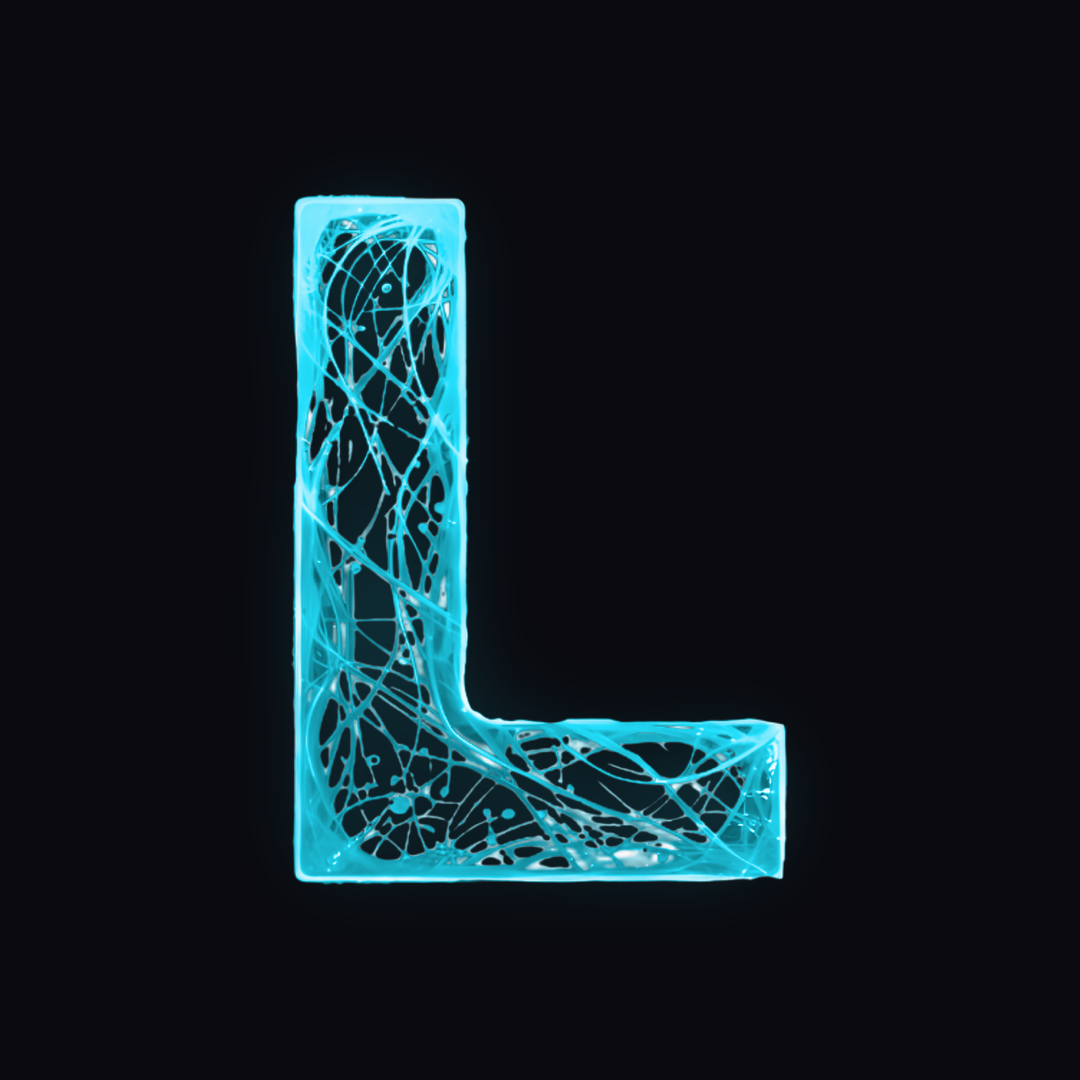
Social platforms mask an avatar to a circle and render it as small as 40 px. Rather than let each one crop the emblem differently, the standard ships a single pre-composed square — use this file as-is and never drop the bare emblem into an avatar slot.
The emblem sits on the brand’s dark ground with its own glow, scaled and optically centred so that no part of the mark enters the 7% outer margin the circular mask cuts away. Because the file is already square and already dark, no platform-side cropping or background fill is needed.
Verified on TikTok, X, LinkedIn, Instagram, YouTube, and Discord — all use a circular mask at these proportions. Upload the same file to each; never recolor the ground or add a border.